Zillow Link → Instagram
A Zillow link to an Instagram post.
Copy any Zillow, Realtor.com, or Redfin listing link, paste it into Leesta, and get a finished Instagram carousel — the photos, the stats, the highlights, and a caption written for you. No screenshots, no Canva.
Works with Zillow · Realtor.com · Redfin · Compass · MLS
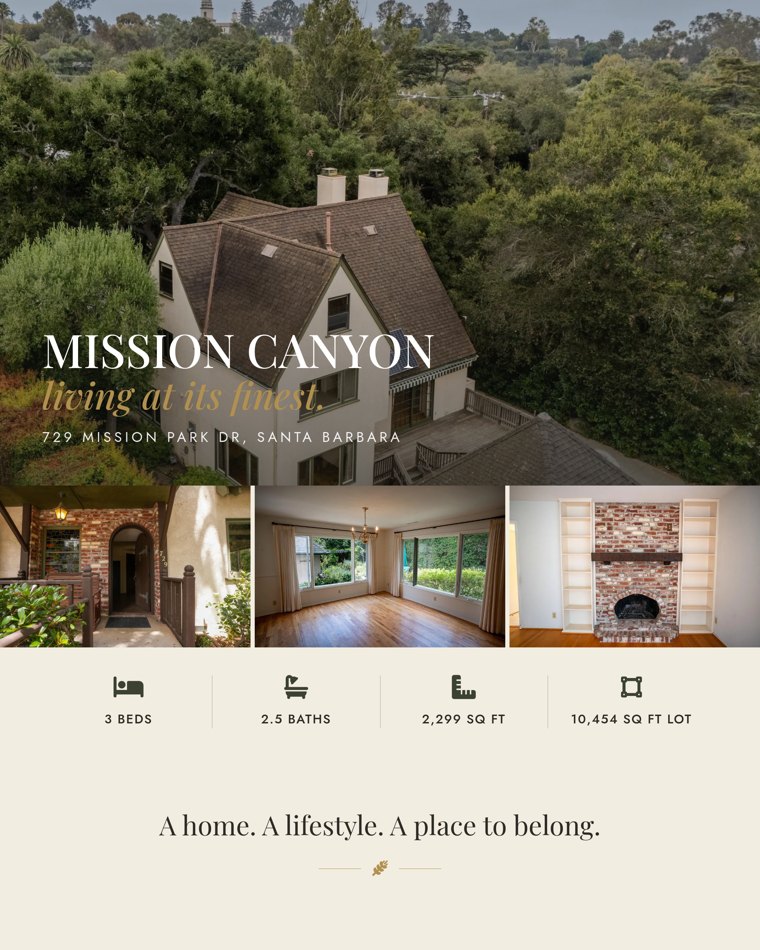
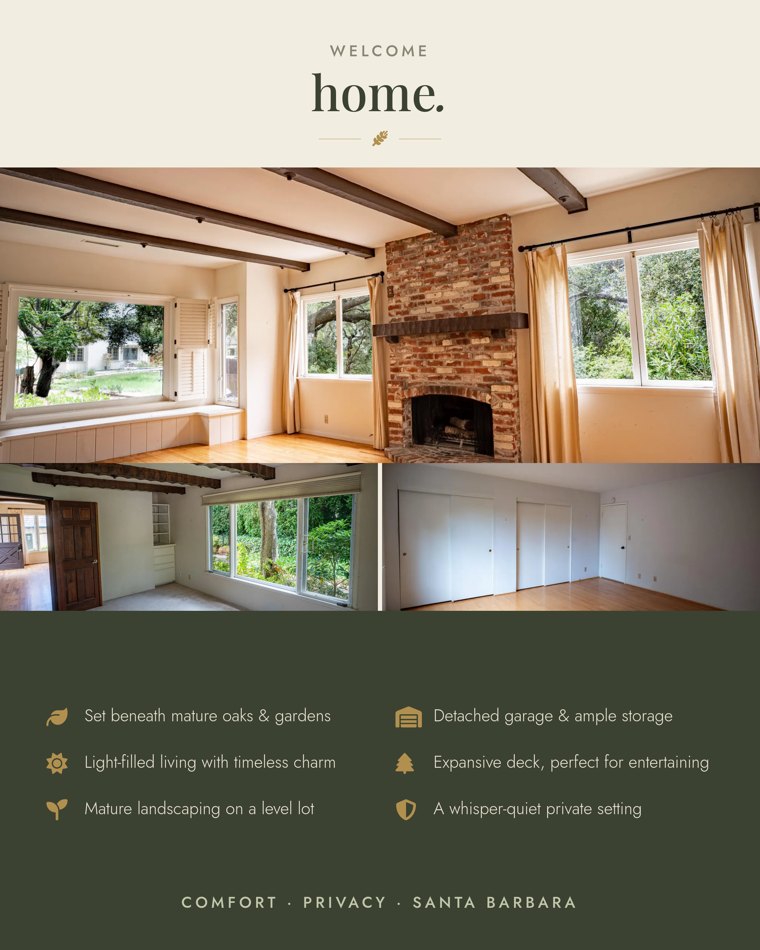
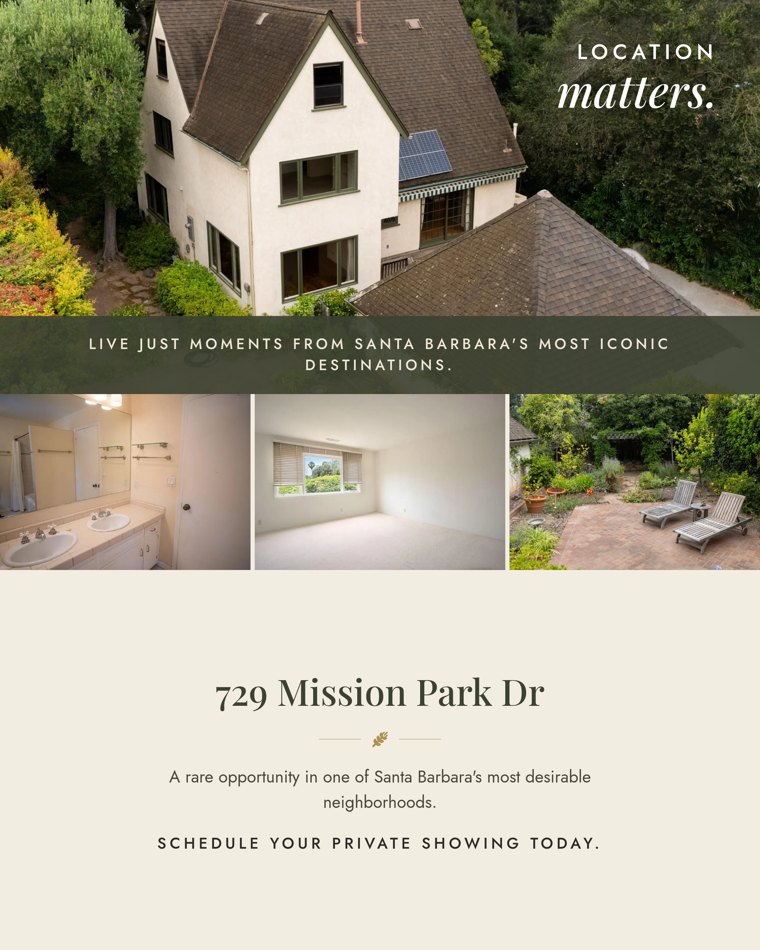
A real result, generated from a single pasted listing link.
Straight from the link
Leesta reads the address, price, beds, baths, and pulls the listing photos itself — nothing to re-type or download.
Post or schedule to Instagram
Connect your account and publish the carousel right from Leesta, or schedule it for later.
A caption in your voice
Every set ships with a listing-tuned caption — just listed, open house, or just sold — ready to post.
Three steps, done.
Paste a listing link
A Zillow, Realtor.com, Redfin, or MLS link — Leesta pulls the details, photos, and highlights.
We design it for you
A ready-to-post, on-brand design with a caption written for you — no templates, no Canva.
Post or download
Share it to Instagram in seconds, or download it for anywhere you market.
Questions, answered.
How do I turn a Zillow listing into an Instagram post?
Copy the listing’s link, paste it into Leesta, and it designs an Instagram carousel from the photos and details and writes the caption — in seconds.
Does it work with Realtor.com and Redfin too?
Yes. Zillow, Realtor.com, Redfin, Compass, and most MLS/IDX links all work — paste the link and Leesta handles the rest.
Can I post to Instagram directly?
Connect your Instagram Business or Creator account and publish or schedule straight from Leesta.
Your next listing, beautifully marketed.
More ways to market your listings